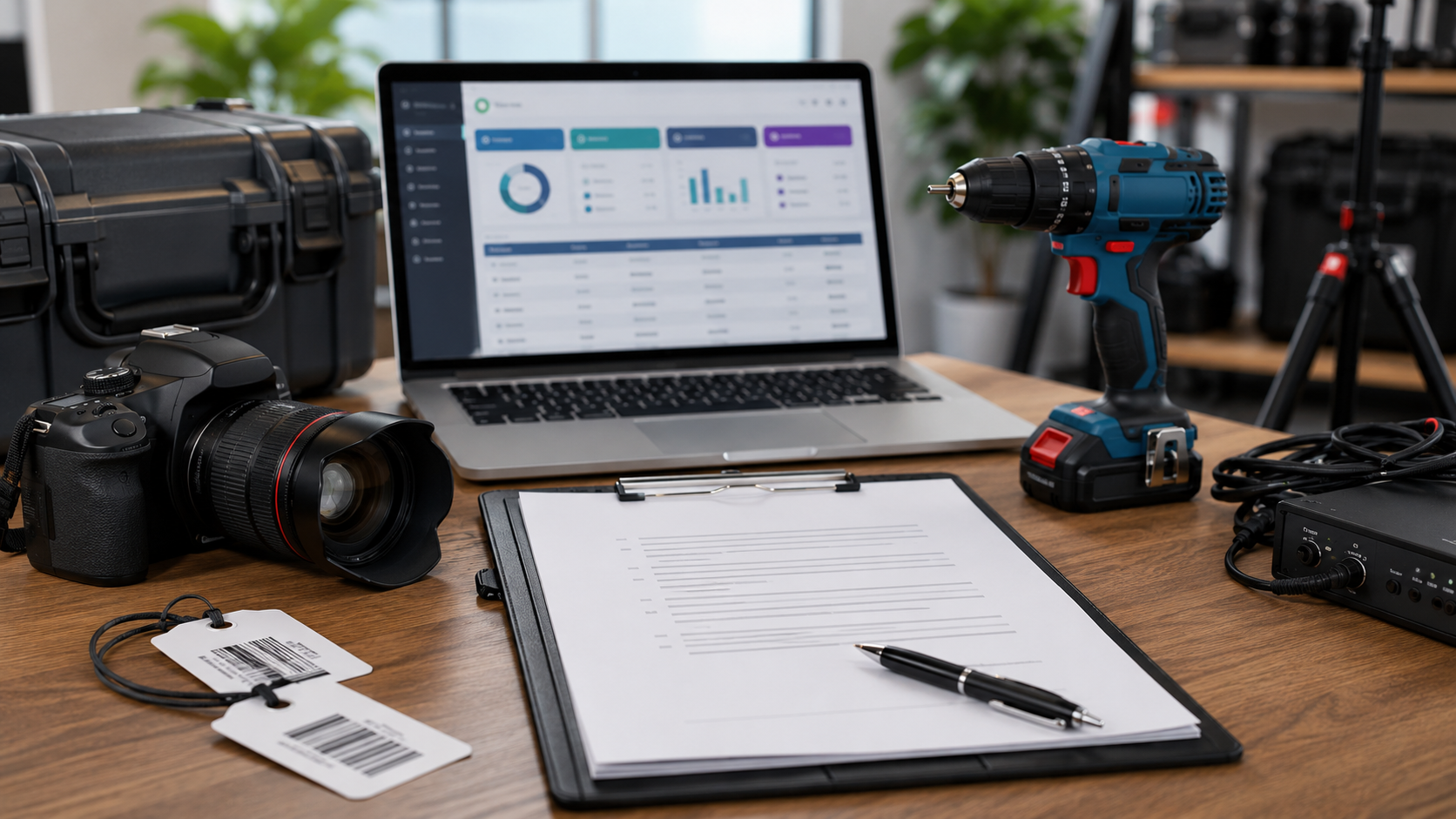
Equipment rental contract is a written agreement that explains what a customer is renting, how long they can use it, what they will pay, and who is responsible for the equipment. A clear contract helps rental businesses avoid confusion, reduce disputes, and set expectations before equipment leaves the business.
For an Equipment Rental Business, a good contract should be easy to understand and cover the details that matter most. It should also work with your booking, payment, and equipment checkout process. Rentopian helps rental businesses create and manage contracts digitally, connect them to orders, and collect electronic signatures.
What Is an Equipment Rental Contract?
An equipment rental contract is an agreement between a rental business and its customer. It records the terms under which equipment is provided for temporary use. The customer agrees to follow the stated rules, make the required payments, and return the equipment in the agreed condition.
The contract can be used for many types of rental businesses, from tools and machinery to event equipment, furniture, and specialty products. A strong agreement gives both sides a written record of what was agreed before the rental begins.
Why Do Rental Businesses Need a Contract?
A verbal agreement may seem simple when you have only a few customers. However, problems can become harder to solve when your business starts handling more orders. Written agreements create a clear reference for your team and customers.
A professional contract can help you:
- Confirm exactly what the customer rented.
- Explain payment and return rules.
- Define responsibility for damage or loss.
- Reduce confusion about cancellations and extensions.
- Provide a record of customer approval.
What to Include in an Equipment Rental Contract
Your equipment rental contract should contain enough information to explain the entire rental transaction without becoming difficult to read. The goal is clarity. Customers should quickly understand what they are renting, what they owe, when they must return it, and what happens if something goes wrong.
The exact wording will depend on your equipment and local laws. Still, most rental agreements should cover several core areas.
1. Business and Customer Information
Start with the basic details of both parties. This makes it clear who is entering the agreement and who is responsible for the rental.
Include:
- Rental company name and contact information
- Customer name
- Customer phone number and email
- Billing address
- Delivery or event address, if applicable
- Date the agreement is created
For business customers, you may also include the company name and the name of the person authorized to rent the equipment.
2. Equipment Details
Clearly identify every item included in the rental. Avoid descriptions that are too general, especially when your business has similar products.
Include details such as:
- Equipment name and model
- Quantity rented
- Serial number, when applicable
- Accessories or included parts
- Condition at checkout
- Replacement value, when needed
Detailed equipment information can also support your equipment checkout process. Your team can compare the contract with the items leaving the warehouse and check them again when they return.
3. Rental Dates and Rental Period
Your agreement should state exactly when the rental starts and ends. This prevents customers from assuming they can keep equipment longer without approval.
State the:
- Pickup or delivery date
- Rental start time
- Return date
- Return time
- Approved rental period
- Rules for extensions
If additional days or hours result in extra charges, explain how those charges are calculated.
Pricing, Deposits, and Payment Terms
Money-related details should be easy to find in your rental agreement. Your customer should know the total expected cost before accepting the order.
Your rental invoice and contract should match whenever possible. This reduces confusion and gives your team a consistent record of the transaction.
What Payment Details Should You Include?
Your payment section can explain:
- Rental price
- Taxes and applicable fees
- Delivery and pickup charges
- Security deposit
- Payment due dates
- Accepted payment methods
- Late payment fees
- Additional charges
- Refund conditions
Be clear about whether the deposit is refundable and when it will be returned. If part of the deposit may be used to cover approved charges, explain the conditions.
Damage, Loss, and Equipment Care
Damage and loss rules are among the most important parts of a rental contract. Customers need to understand their responsibility before taking possession of your equipment.
Explain what happens if equipment is:
- Returned damaged
- Lost or stolen
- Returned with missing parts
- Returned late
- Used outside the agreed purpose
- Damaged because of improper handling
Your contract should explain how repair or replacement costs are determined. Avoid vague language that leaves customers guessing about potential charges.
Rentopian also supports replacement costs for rented products, helping customers see what they may owe if equipment is damaged or lost.
Should You Add a Liability Waiver?
A liability waiver may be useful when customers could face risks while using certain types of equipment. The waiver should explain which risks the customer accepts and any responsibilities they have while using the rented item.
However, a waiver is not a substitute for proper insurance or legal advice. The wording and enforceability of these provisions can vary by location and rental activity. Have a qualified legal professional review your contract before relying on it.
Rental Terms and Customer Responsibilities
Your rental terms should explain how customers are expected to use and care for your equipment. This section can prevent small misunderstandings from becoming expensive problems.
Common terms cover:
- Proper equipment use
- Customer supervision
- Prohibited uses
- Equipment storage
- Cleaning requirements
- Unauthorized transfers
- Subleasing restrictions
- Customer responsibility for accessories
- Return requirements
Keep the language simple. Customers are more likely to understand and follow rules that are clearly written.
Cancellation, Refunds, and Extensions
Customers may need to cancel or change their rental. Your contract should explain what happens in each situation before the order is confirmed.
Include your rules for cancellations, refunds, date changes, and rental extensions. State any deadlines and fees in plain language. If weather, venue changes, equipment failure, or other special situations affect your policy, explain how those cases are handled.
Clear cancellation terms protect your business while giving customers a fair understanding of their options.
Delivery, Pickup, and Equipment Checkout
If your company delivers equipment, include delivery and pickup terms in the agreement. State where the equipment will be delivered and who is responsible for providing access to the location. For pickup rentals, explain where and when the customer should collect the equipment.
Your equipment checkout process can also record the condition and quantity of items before they leave. When equipment comes back, your team can compare the returned items with the original order. This creates a stronger process for handling missing or damaged equipment.
How to Create an Equipment Rental Contract
Creating a contract does not have to mean starting from a blank document every time. Build a standard agreement first, then create rules for situations that need different terms.
A simple process looks like this:
- List the information every rental order needs.
- Write standard payment and rental terms.
- Add equipment care and damage rules.
- Add cancellation and return policies.
- Include any required waiver language.
- Review the contract with a legal professional.
- Create a reusable template.
- Connect the contract to your booking workflow.
Once the template is ready, your team can make small changes when a specific order requires special terms.
Using Digital Contracts for Rental Orders
Paper contracts can create extra work. Your staff may need to print documents, get signatures, scan paperwork, and store files. Digital contracts can simplify this process by moving the agreement online. With rental software, a contract can be connected to the customer’s order. The customer can review the terms and complete an e-signature without printing the document.
Rentopian allows businesses to create contract templates, attach contracts to quotes or orders, email them to customers, and collect signatures electronically. Signed contracts can also be stored with a record of the signing details.
How Software Can Automate Rental Contracts
Automation becomes more useful as your order volume grows. Instead of creating every contract manually, your system can generate the right document as part of the normal rental workflow.
Useful automation can include:
- Automatically attaching contracts to orders
- Sending contracts for online signatures
- Storing completed agreements
- Connecting contracts with customer and order records
- Sending payment requests with the agreement
Rentopian also supports workflows where customers can review an order, sign the contract, and make a payment as part of one process.
How Different Rental Businesses Can Use Contracts
The basic structure of a contract can work across many rental industries, but the details should match the equipment and risks involved. A tool rental company may focus on operating rules and damage. An event company may need delivery, setup, venue, and cancellation terms.
For example, rental store software can help a general rental operation connect customer orders with contracts. A company focused on home furnishings may use furniture rental software to manage agreements alongside furniture bookings. An event company may use party rental business software to connect contracts with inventory and event orders. The important point is to keep your contract aligned with the way your business actually operates.
Common Mistakes to Avoid in Rental Contracts
Even a detailed contract can cause problems if important terms are unclear. Avoid using complicated language simply to make the agreement sound more professional. Your customers should understand the document without needing to interpret every sentence.
Watch for these common issues:
- Missing rental start or return times
- Unclear damage responsibilities
- No clear cancellation policy
- Fees that are not explained
- Equipment descriptions that are too vague
- Different information across the contract and invoice
- Using the same terms for every type of rental
- Failing to update outdated policies
Review your agreement regularly as your equipment, pricing, and business policies change.
How Rentopian Helps Manage Rental Contracts
Managing contracts becomes easier when they are connected to the rest of your rental workflow. Instead of keeping separate files for orders, customer details, payments, and signed agreements, rental software can bring these processes together.
Rentopian lets businesses create contract templates, customize contract text, attach agreements to transactions, and send them for electronic signatures. It also supports integrations with services such as DocuSign and DigiSigner. This approach can reduce manual paperwork while giving your team a clearer record of what each customer agreed to.
Conclusion
A professional equipment rental contract clearly defines pricing, rental periods, damage rules, and customer responsibilities. A clear agreement helps prevent confusion and keeps your rental process organized. Use a simple template, customize it for your business, and consider switching to digital contracts as you grow. Contact Rentopian today to simplify your rental operations.
FAQs
2. Should equipment condition be recorded in the contract?
Yes. Recording the condition at checkout can help avoid disputes about damage later.
3. Can rental terms be changed after signing?
Changes should be documented and approved by both parties before they take effect.
4. What should happen when a customer wants to extend a rental?
The contract should explain how extensions are requested and how additional charges are calculated.
5. Can rental contracts be linked to customer orders?
Yes. Rental software can connect contracts with customer, booking, payment, and equipment details.