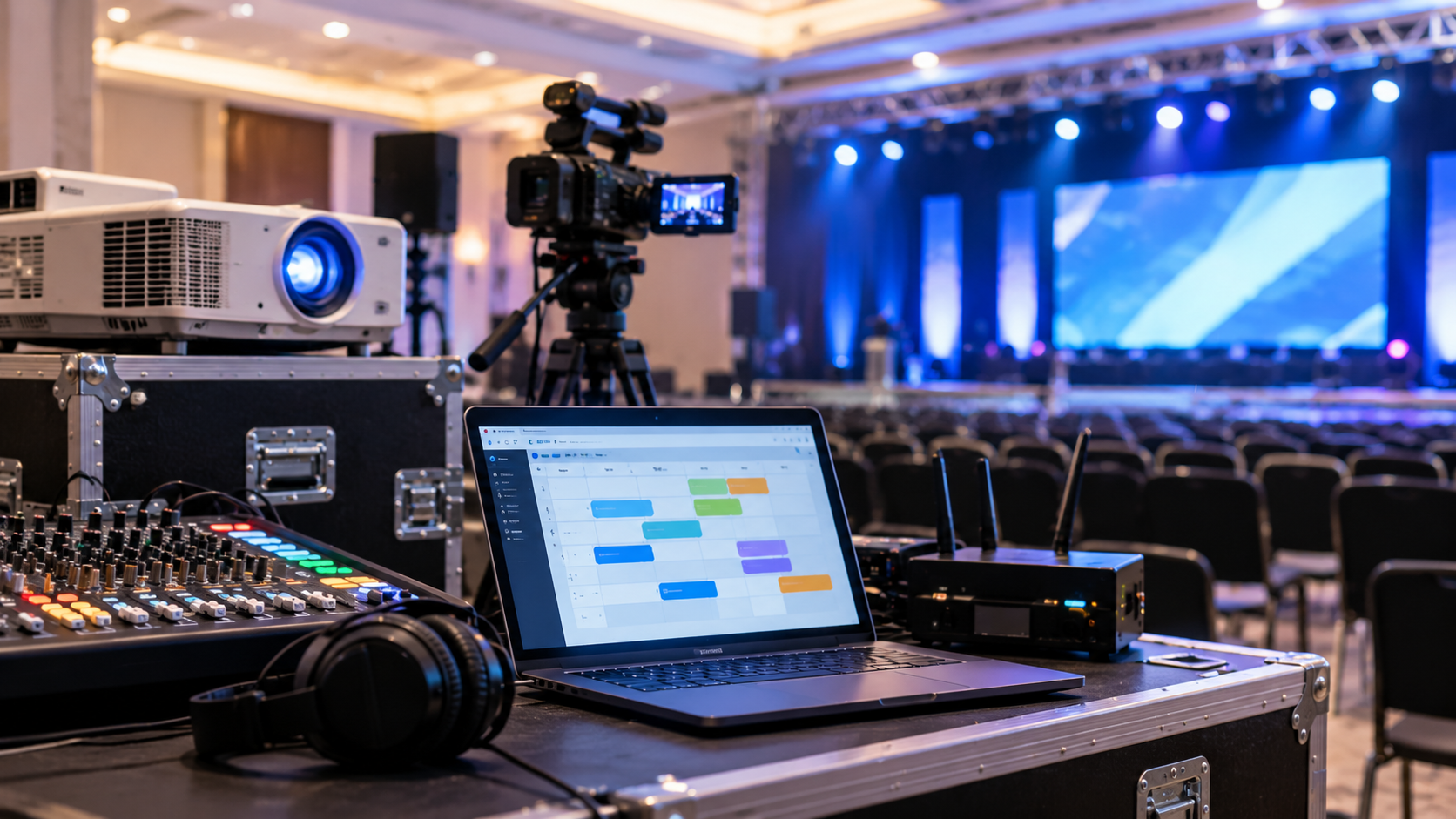
Choosing the right audio visual rental software can transform how your business manages equipment, bookings, and daily operations. At Rentopian, we help rental teams save time, reduce costly errors, and keep their workflows organized. Running an AV rental business involves managing a wide range of equipment, coordinating crews, and meeting strict event deadlines. Without the right system, even a small scheduling mistake can lead to equipment shortages, delayed deliveries, or unhappy clients. The right software brings these operations together, giving your team better visibility and control over every rental.
Whether you manage a small rental shop or a growing AV company, investing in the right software can make a significant difference in your efficiency and profitability. From tracking inventory and preventing double bookings to managing quotes, deliveries, and invoices, a reliable platform helps your team work more confidently. However, with so many options available, choosing the right solution requires careful consideration. This guide explores the essential features to look for, the questions to ask during a software demo, and the common mistakes to avoid when selecting the best solution for your business in 2026.
Key Takeaways
- Choose audio visual rental software that tracks every item, from small cables to large LED walls.
- Real-time equipment booking software prevents double bookings.
- Strong rental scheduling software plans preparation, delivery, and return times.
- Test every software demo using your own real jobs.
Why Audio Visual Rental Software Matters
Every AV company handles many moving parts at once. You track projectors, mixers, screens, and cables. You also manage crews and trucks. When this work lives in notes and spreadsheets, mistakes pile up. Good software gives your team one clear view of the entire business.
The Problems with Spreadsheets and Paper Records
Spreadsheets work when you have ten items. They become difficult to manage when you have a thousand. Two people may edit the same file and overwrite each other’s changes. Someone may also forget to log a return. As a result, you might promise equipment that is unavailable. That mistake can cost you a client and damage your reputation.
How Rental Software Improves Daily Operations
The right tool becomes your single source of truth. Everyone sees the same inventory, dates, and prices. Your sales team can prepare quotes faster. Your warehouse team can pack with confidence. Your finance team can create invoices without chasing paperwork. In short, you work faster and make fewer mistakes.
Essential Features of Audio Visual Rental Software
Not every tool fits every rental business. Still, a few features matter for almost all AV teams. Think about how equipment moves from your warehouse to an event and back. The best audio visual equipment rental software supports every step of that process.
AV Inventory Management
Strong AV inventory management starts with knowing exactly what you own. You should see where each item is, its condition, and when it is available. This eliminates guesswork. It also helps you plan purchases and repairs using real data.
Look for these features:
- Barcode or QR code scanning
- Serial numbers and complete asset history
- Kits and bundles, such as complete stage packages
- Equipment repair and maintenance tracking
Equipment Booking Software
Good equipment booking software checks availability as soon as you add an item to a job. It warns you about scheduling conflicts immediately. For example, if a projector is already booked, the system should alert you before you send the quote. This feature can prevent double bookings and costly customer complaints.
Rental Scheduling Software
Your equipment is not automatically available when an event ends. It needs to be returned, cleaned, tested, and repacked. Smart rental scheduling software includes this preparation time in the calendar. It also helps you plan crews and vehicles. A live calendar with drag-and-drop editing makes busy weeks easier to manage.
Order Management, Quotes, and Billing
Financial management matters as much as equipment management. Your audio visual rental software should turn a quote into an order with minimal manual work. It should also generate pick lists, delivery notes, and invoices using the same order information. This reduces repetitive data entry, saves time, and prevents typing errors.
Useful billing features include:
- Branded quotes with electronic signatures
- Deposits and online payments
- Pricing by day, week, or event
- Integrations with accounting tools
Reporting and Customer Portals
Reports show you which equipment generates revenue and which items remain unused. These insights help you make better purchasing and pricing decisions. A customer portal can also improve the rental experience. Clients can request quotes, approve orders, and pay online. This makes your business look more professional while reducing the number of calls your staff must answer.
How to Evaluate Audio Visual Rental Software
A clear evaluation process helps you avoid buying software based on a sales pitch alone. Start with your business needs, then test each option against real jobs. This approach makes it easier to compare platforms and explain your final decision.
Map Your Current Rental Workflow
Write down how a job moves through your business today. Start with the first inquiry and end with the final payment. Mark the points where delays, errors, and repeated tasks occur. These pain points become your must-have feature list. Without this assessment, every software demo may look impressive, making it difficult to identify the best option.
Request a Demo Using Your Own Data
A generic demo can hide important limitations. Instead, ask the vendor to demonstrate a real job from your business. For example, use a conference involving projectors, speakers, and two crews. Watch how the software handles quotes, equipment kits, and return dates. If the system feels difficult to use during a calm demo, it may become even more challenging during a busy event week.
Evaluate Customer Support, Security, and Scalability
Even excellent software needs reliable support. Ask how quickly the support team responds and what assistance is available during setup. Check where your data is stored and how it is backed up. Also, confirm that the platform can grow with your business. You may add more equipment, staff, or locations next year. Switching systems later can cost significant time and money.
Compare the Total Cost of Ownership
Software pricing involves more than the monthly subscription. Ask about setup costs, training fees, user charges, and additional feature costs. Then compare the total expense with the time you expect to save and the bookings you could protect from errors. A cheaper tool that lacks essential features may cost more in the long run.
Common Mistakes to Avoid When Choosing AV Rental Software
Many buyers make similar mistakes when selecting rental software. Some focus only on price, while others choose platforms designed for general rentals rather than AV equipment. Understanding these common problems can help you avoid an unsuitable system.
Ignoring AV-Specific Requirements
AV equipment is different from party chairs or tents. It involves equipment kits, cables, technical checks, and serial numbers. A generic rental platform may not handle these requirements effectively. Choose software that understands how an AV rental business operates. Ask the vendor to demonstrate real AV rental scenarios rather than general rental examples.
Overlooking Team Input
Warehouse staff, drivers, and sales representatives use the software every day. They understand the practical challenges of your current workflow. If you choose software without consulting them, adoption may suffer. Invite them to the demo and let them test the mobile app and scanning features. Their feedback can help you avoid a poor purchasing decision.
Underestimating Implementation Time
Many business owners overlook the time required for data migration. Moving equipment lists, customer records, and price lists can take days or weeks. Clean your existing data before implementation. Ask the vendor who will assist with importing your information. A clear implementation plan makes the transition smoother and helps your team adjust to the new system.
Conclusion
Choosing the right audio visual rental software can help your business streamline daily operations, reduce equipment booking errors, and improve customer satisfaction. By investing in features such as inventory management, rental scheduling, order processing, and billing, you can give your team the tools they need to manage rentals more efficiently. Take time to compare different platforms, test their features with real rental jobs, and evaluate their pricing, customer support, and ability to grow with your business.
With the right solution, your team can spend less time on administrative tasks and more time delivering successful events. Ready to simplify your rental operations? Book a free demo with Rentopian to explore how the right software can support your AV rental business and help you manage every booking with greater confidence.
Frequently Asked Questions
How Much Does AV Rental Software Cost?
Prices vary depending on team size, features, and subscription plans. Some platforms charge monthly fees per user, while others offer different pricing tiers. Ask each vendor for a complete written quote, including setup and training costs. Compare the total expense with the time and booking errors the software could help you avoid.
Can a Small AV Rental Business Use Rental Software?
Yes. Small AV rental businesses can benefit from better inventory tracking and booking management. Start with essential features such as inventory, scheduling, and order management. You can add more tools as your business grows. A scalable platform can help you avoid switching systems too soon.
How Long Does It Take to Set Up AV Rental Software?
Implementation can take anywhere from a few days to several weeks, depending on the size and complexity of your business. Most of the work involves importing equipment lists, customer records, and pricing information. Preparing your data and receiving proper vendor support can make the transition smoother.